Why Your Internet Radio Stream Buffers (And How Cloud Isolation Fixes It)
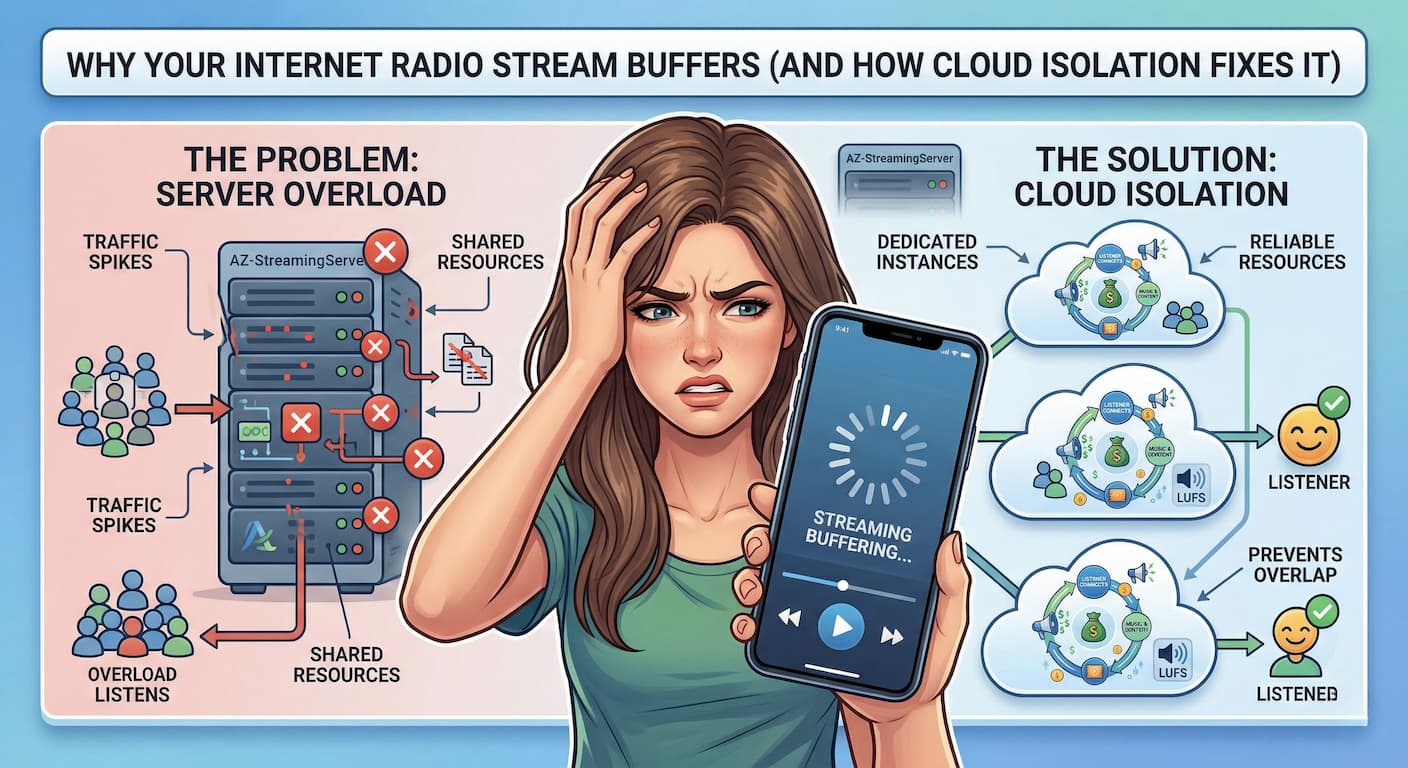
There is nothing more frustrating for a broadcaster than dead air. You spend hours curating the perfect playlist, recording brilliant sweepers, and promoting your show on social media. But when listeners finally tune in, the music stutters, stops, and buffers.
Within seconds, they click away.
If you are dealing with constant internet radio buffering, you might think there is something wrong with your MP3 files or your home internet connection. But the truth is usually hidden deep inside your hosting provider’s data center.
The culprit? You are likely trapped on a shared server with “noisy neighbors.” Here is exactly why your AzuraCast stream is skipping, and how modern cloud isolation fixes the problem permanently.
The Hidden Trap of “Shared” Radio Hosting
Most budget radio hosts (the ones charging $3 to $5 a month) use an outdated business model called shared hosting.
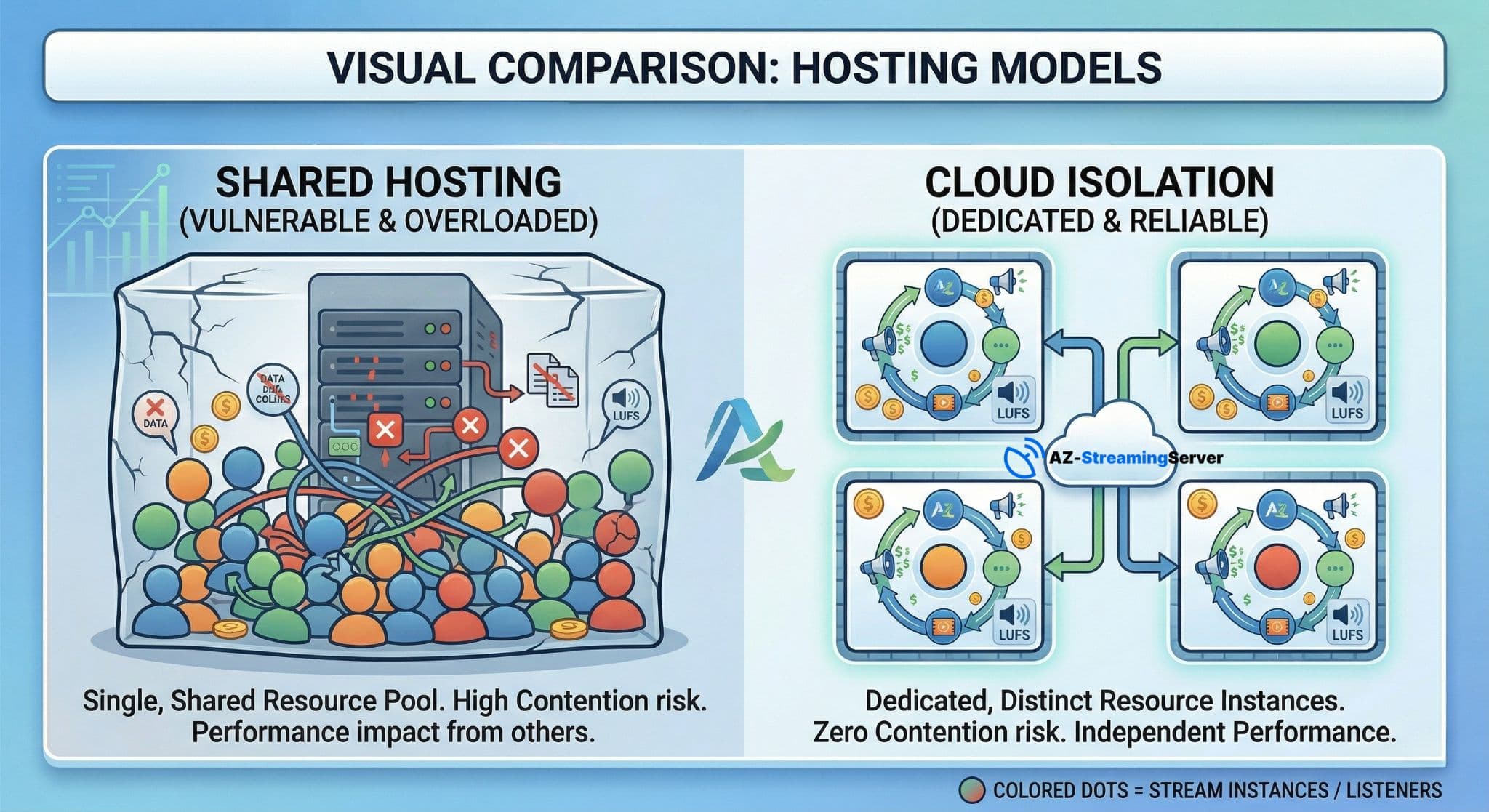
To make a profit at those low prices, the hosting company crams hundreds of different radio stations onto a single, massive server. Everyone shares the exact same pool of CPU power, RAM, and bandwidth.
In the hosting industry, we call this the “Noisy Neighbor” problem.
If Station A goes viral and gets a massive spike in listeners, or Station B uploads a massive library of unoptimized audio files, the entire server struggles to keep up. Because you are sharing the same engine, their traffic spike causes your stream to buffer and skip. You are punished for someone else’s success.
Why AzuraCast Stream Skipping Happens
AzuraCast is the most powerful radio broadcasting software on the market, but that power requires breathing room.
When your AutoDJ transitions between two tracks, crossfades audio, or normalizes volume, it requires a quick burst of CPU power and RAM. If your radio station is hosted on a crowded shared server, that CPU power might not be available exactly when your AutoDJ needs it.
The result? The AutoDJ crashes, the stream disconnects, or your listeners hear an ugly, skipping glitch right in the middle of a song.
The Fix: Cloud Isolation and Dedicated Resources
If you want to run a professional, reliable internet radio station, you need to move away from shared hosting and upgrade to Cloud Isolation.
Instead of throwing everyone into the same crowded server room, cloud isolation builds a secure, invisible wall around your radio station. It guarantees that a specific amount of server power belongs only to you.
The benefits of Cloud Isolation include:
- Dedicated CPU and RAM: Your AutoDJ has all the memory it needs to process perfect crossfades, 24/7.
- Zero Noisy Neighbors: Even if another station on the network gets ten thousand listeners at once, your stream will not drop a single packet of audio.
- Flawless Uptime: Because your environment is isolated, server-wide crashes become a thing of the past.
Stop Renting a Stream. Own the Server.
For years, getting a dedicated, isolated server meant you had to be a Linux expert, manually installing operating systems and configuring firewalls.
Not anymore.
At AZ-StreamingServer, we have combined the rock-solid stability of dedicated cloud isolation with the plug-and-play simplicity of shared hosting.
When you choose one of our Premium AzuraCast Cloud plans, our automated system builds a completely isolated server environment just for you in under 10 minutes. You get your own dedicated RAM, your own dedicated CPU cores, and full Admin access to create multiple stations—all starting at just $9.99/month.
Stop losing listeners to cheap shared servers.
View Our Isolated Cloud Radio Plans and Stop the Buffering Today
Frequently Asked Questions
Q: Why does my internet radio stream buffer or stutter?
A: Buffering is often caused by noisy-neighbor servers where other users consume too many resources. Our cloud isolation ensures your stream has dedicated resources to prevent stuttering.
Q: What streaming technologies do you support?
A: We support a wide range of protocols including SHOUTcast, Icecast, AzuraCast, CentovaCast, MediaCP, Flussonic, and NGINX-RTMP.
Q: Is it easy to set up a radio station on your platform?
A: Yes, our managed hosting is designed to be easy for beginners. We provide a seamless setup process so you can start broadcasting without technical headaches.
Q: How much does it cost to host a radio station?
A: Our radio plans range from $0 to $399.99 per month. We also offer specialized reseller radio for $4.95/mo and video hosting for $9.95/mo.
Q: Can I test the service before subscribing?
A: Yes, we offer free trials so you can experience our 24/7 AutoDJ and high-performance streaming features before committing.